


1. Log in to your Plesk account.
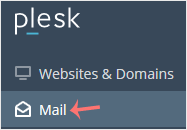
2. Click on Mail from the Sidebar Menu.
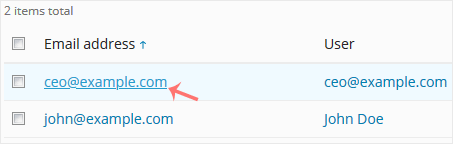
3. From the email list, click on the email account you want to rename.
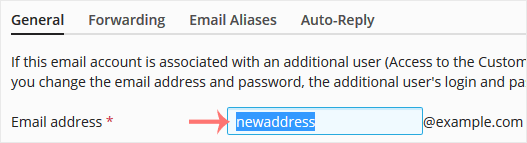
4. Enter the new email name in the email address field.
5. Scroll down and click OK.


1. Log in to your Plesk account.
2. Click on Mail from the Sidebar Menu.
3. From the email list, click on the email account you want to rename.
4. Enter the new email name in the email address field.
5. Scroll down and click OK.
0 Els usuaris han Trobat Això Útil (0 Vots)
Més Popular

With state-of-the-art infrastructure and a customer-centric approach, we provide an effortless hosting experience that empowers you to focus on what truly matters—growing your business.